If you have ever posted an AI-generated image on Instagram, Facebook, or LinkedIn and seen a "Made with AI" label appear — you are not alone. That label is often triggered by hidden metadata embedded in your image file, although platforms can also use other signals. This guide explains what AI metadata is, why it matters, and how to remove it with an online tool you can try for free.
What is AI metadata?
Every digital image carries invisible data called metadata. Standard metadata includes camera settings (EXIF), copyright notices (IPTC), and editing history (XMP). When you generate an image with tools like Midjourney, DALL-E, Stable Diffusion, or Adobe Firefly, these tools write additional AI-specific metadata into the file:
- C2PA content credentials — A cryptographically signed, tamper-evident manifest that records who created the image and what tool was used. Tools from Adobe, Microsoft, and Google can embed C2PA manifests automatically.
- IPTC
digitalSourceType— A standard field set totrainedAlgorithmicMedia(orcompositeWithTrainedAlgorithmicMediafor edited composites) that tells any reader the image was AI-generated. - PNG text chunks — Stable Diffusion, ComfyUI, and similar tools write generation parameters (prompt, seed, sampler, model, workflow) directly into PNG metadata.
- EXIF software tags — Fields like
Software: MidjourneyorUserComment: AI generatedthat identify the creation tool.
Some social media platforms read signals like these and can automatically apply "Made with AI", "AI info", or "AI generated" labels — Meta, for example, has said it reads industry-standard signals such as C2PA and IPTC metadata. Even if you edit the image afterward, the metadata often survives.
Why do platforms label your images?
In 2024, Instagram, Facebook, and LinkedIn began labeling uploaded images that carry AI provenance signals. The signals they can draw on fall into three broad layers:
- C2PA manifest parsing — If a content credential is present, a platform can read it and may label the image.
- IPTC field inspection — The
digitalSourceTypefield is an industry-standard signal that any platform can check. - Invisible watermarking — Some AI tools embed imperceptible watermarks (like Google SynthID) that are designed to survive common edits such as cropping and compression.
The first two layers — C2PA and IPTC — are metadata-based and can be stripped from the file. The third layer (invisible watermarking) is baked into the pixels themselves, and Remove AI Metadata does not remove it. Platforms can also use their own detection or ask users to disclose AI content, so removing metadata is not a guarantee.
What is Remove AI Metadata?
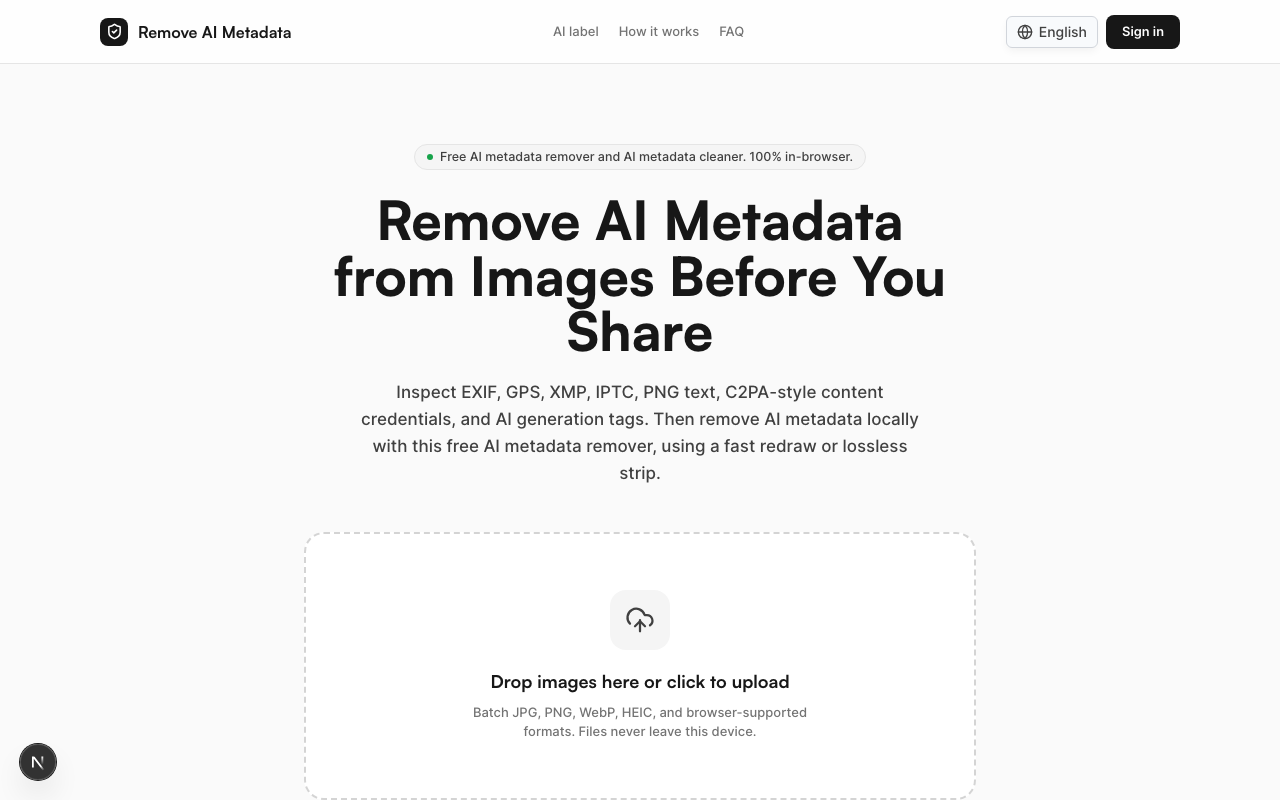
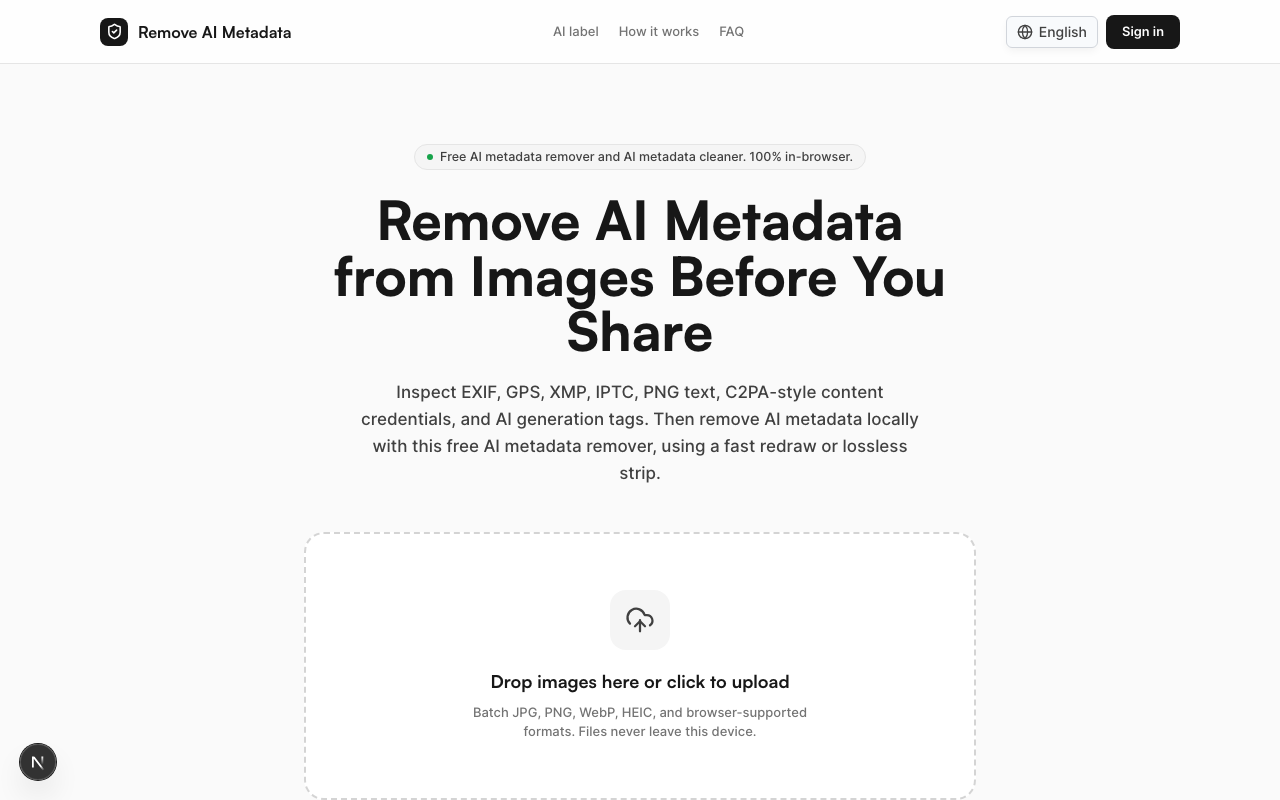
Remove AI Metadata is a browser-based tool that inspects your images for AI-related metadata and removes it — all without uploading anything to a server. Inspecting is free; the first 2 cleaned images are free without an account, a free account adds 2 credits, and after that each cleaned image uses 1 credit.
Here is what makes it different from generic metadata strippers:
It knows what to look for
Many generic EXIF removers only strip standard camera data. Remove AI Metadata specifically targets:
| Metadata type | What it contains | How it is detected |
|---|---|---|
| C2PA / caBX / JUMBF | Content credentials, creator identity | PNG chunk and JPEG APP11 scan |
| IPTC digitalSourceType | AI generation flag | IPTC record inspection |
| PNG tEXt / iTXt | Prompt, seed, model, workflow | PNG text chunk scan |
| EXIF Software / UserComment | Tool name, generation parameters | EXIF tag reading |
| XMP properties | Adobe AI tags, editing history | XMP packet parsing |
It works 100% locally
Your images never leave your device. The tool runs entirely in your browser using JavaScript and WebAssembly — no server uploads and no cloud processing. Only the number of cleaned images is sent, to count credits, and your first 2 images need no account.
Two cleaning modes
- Redraw mode — Re-encodes the pixels through an HTML Canvas element into a new JPEG, PNG, WebP, or AVIF file, which drops all stored metadata. An optional fingerprint disruption setting (on at 1x by default, adjustable, or Off) applies a tiny rotation/scale and low-frequency noise, so the output's pixels and hashes differ slightly from the original.
- Lossless strip mode — For PNG and JPEG, surgically removes metadata containers while keeping every pixel identical. Perfect for photographers who need zero quality loss.
How to use it — 3 simple steps
Using the AI metadata remover takes less than a minute:
Step 1: Add your images Drag and drop an image into the drop area, or click to browse — nothing is uploaded to a server. Supports JPG, PNG, WebP, HEIC, and other browser-compatible formats, up to 50 MB per image. Free credits clean one image at a time; with a Credit Pack or Pro you can add up to 50 images per run.
Step 2: Inspect the scan results The tool automatically scans each image and shows you exactly what metadata was found — EXIF, IPTC, C2PA, PNG text chunks, and more. You can see the raw data before deciding to clean.
Step 3: Download cleaned images Click the download button to save each cleaned image; after a batch run you can also download them all as one ZIP. Stored metadata such as EXIF, GPS, XMP, IPTC, PNG text, and C2PA has been removed (invisible pixel watermarks are not). Each output is rescanned automatically, with SHA-256 hashes before and after, so you can verify the result.
Who needs an AI metadata remover?
AI artists and creators
You spend hours crafting prompts, selecting models, and iterating on outputs. When you post your work, you want it judged on its visual merit — not flagged with a label that distracts viewers. Removing AI metadata gives you control over how your work is presented.
Social media managers
Managing brand accounts means every detail matters. An unexpected "Made with AI" label on a marketing image can confuse your audience or undermine trust. Clean metadata before publishing to Instagram, Facebook, Pinterest, or LinkedIn.
Stock photographers and sellers
Submitting AI-enhanced images to stock platforms? Some platforms reject or flag images with AI provenance data. Stripping leftover prompts, workflows, and tool tags keeps your files clean, but stock platforms have their own AI disclosure rules, so always label AI content the way they require.
Privacy-conscious users
AI metadata can reveal which tools you use, your workflow, your prompts, and even unique identifiers. Removing this data protects your creative process and personal information.
E-commerce sellers
Product images enhanced with AI tools should look professional — not carry hidden tags that might trigger platform policies or buyer skepticism.
Key features at a glance
- Free to try — Inspecting is free; clean 2 images without an account, get 2 more credits when you sign up, then 1 credit per image
- Batch processing — Clean up to 50 images at once with a Credit Pack or Pro
- Original quality — Lossless strip mode preserves every pixel
- Private by design — Files never leave your browser
- Common formats — JPG, PNG, WebP, HEIC, and more
- Fast results — Processing typically takes seconds per image
Frequently asked questions
Does removing metadata guarantee the AI label will disappear? No. Removing C2PA, IPTC, and EXIF metadata removes the stored signals that most often trigger AI labels on Instagram, Facebook, and other platforms, but platforms can also use other signals, so no tool can guarantee a label will not appear. If the image contains an invisible watermark (like Google SynthID), that signal is embedded in the pixel data and cannot be removed by metadata stripping; platforms may also use their own detection or your own AI disclosure.
Will my image quality change? In lossless strip mode, the pixel data is preserved byte-for-byte — there is zero quality loss. In redraw mode, the pixels are re-encoded at the quality you choose, and the optional fingerprint disruption adds a tiny rotation/scale and faint noise, so the output differs slightly from the original. At the default settings, the difference is hard to see at normal viewing sizes.
Is it legal to remove AI metadata? Metadata is part of your file, and you have the right to modify your own files. Remove AI Metadata is a privacy tool for managing your personal data. Always comply with the terms of service of any platform you upload to, including its rules on disclosing AI-generated content.
Does it work on mobile? Yes. The tool runs in any modern browser, including Safari on iPhone and Chrome on Android. No app installation required.
Start cleaning your images
Ready to take control of your image metadata? Try Remove AI Metadata now — inspecting is free, your first 2 images clean free, and nothing is uploaded. Drop your images and see what hidden data they carry.